
Cellular Router vs Mobile Hotspot Compared
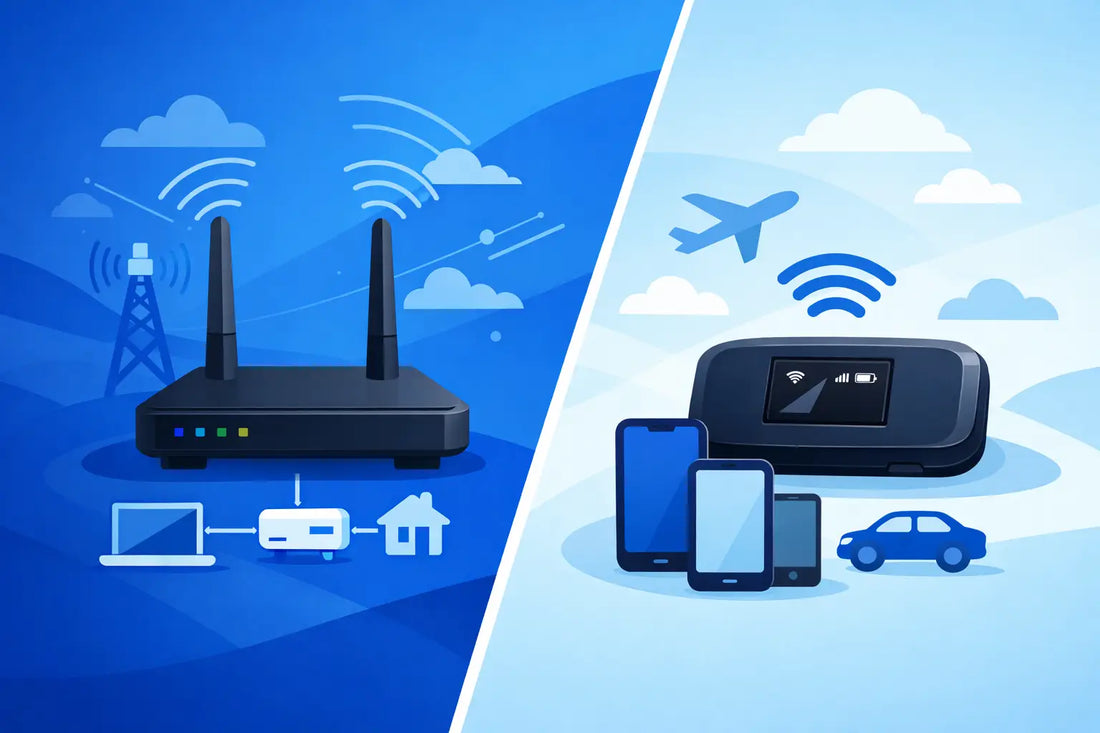
A cellular router vs mobile hotspot decision often looks simple until the connection has to support a payment terminal, security camera, field team or live event. Both devices use a data SIM to get online through the mobile network, but they are built for very different levels of demand. Choosing the wrong one can mean avoidable drop-outs, weak indoor coverage and a device that needs resetting at precisely the wrong moment.
The right answer depends on what is connecting, where it is located, how many devices rely on it and what a loss of data would cost. A hotspot is excellent for quick, portable internet. A cellular router is usually the better foundation when connectivity needs to stay on, reach more devices or support an operational service.
Cellular router vs mobile hotspot: the key difference
A mobile hotspot is a compact, battery-powered device that shares a mobile data connection over Wi-Fi. It is designed to travel easily in a pocket, vehicle or kit bag. Turn it on, connect a laptop or tablet, and it provides internet without relying on public Wi-Fi or a phone’s personal hotspot feature.
A cellular router is a more permanent networking device. It takes a SIM or eSIM connection and distributes it through Wi-Fi, Ethernet ports, or both. Many models are designed to run continuously, support external antennas and connect several wired and wireless devices at once. They are common in remote sites, temporary offices, vehicles, retail locations, CCTV installations and IoT deployments.
The distinction is not simply about size. It is about the role the device plays. A hotspot provides convenient internet access for people. A router provides managed connectivity for equipment and operations.
When a mobile hotspot is the sensible choice
A mobile hotspot works well when portability is the priority and the connection is temporary. A surveyor visiting sites, a sales team working from a client location, or a family travelling without dependable Wi-Fi may only need internet for a few devices for a few hours at a time.

Its main advantages are speed of deployment and convenience. There is little to install, and the battery makes it useful when mains power is unavailable. It can also be a practical backup for a laptop, tablet or phone when a fixed line fails.
For short-term work, a hotspot can be all that is required. A pop-up event team may use one to check emails, update schedules and keep a small number of staff devices connected. A field engineer may use one to access documentation and submit reports.
There are limits. Battery capacity, Wi-Fi range and the number of connected devices can quickly become constraints. Hotspots may also be less suitable inside cabinets, plant rooms, vehicles or buildings with poor signal penetration. If it needs to support a business-critical service every day, its convenience can become a weakness.
When a cellular router is the better investment
Choose a cellular router when the connection is expected to do a job rather than simply provide occasional access. It is generally the stronger option for fixed or semi-fixed installations, especially where uptime, coverage and device control matter.
A security installer, for example, may need a router to keep multiple cameras, an NVR and remote monitoring service online at a site without fixed broadband. A retailer may need dependable connectivity for a point-of-sale terminal. A construction site may need Wi-Fi for office equipment alongside Ethernet for a timekeeping system or site camera.
Because routers commonly include Ethernet ports, they can connect devices that do not have Wi-Fi at all. This matters for CCTV systems, digital signage, network switches, industrial controllers and payment equipment. Wired connections are also useful where predictable performance and lower interference are more important than portability.
Many cellular routers support external antennas. This is a major practical advantage in rural areas, metal-clad buildings, roadside locations and vehicles, where moving the antenna to a better position can materially improve signal quality. A hotspot normally has a fixed internal antenna, leaving less scope to solve a difficult coverage problem.

Reliability is about more than the device
A high-quality router cannot compensate for a poor or restricted mobile data plan. The SIM and network arrangement are central to performance, particularly at remote or business-critical sites.
A single-network SIM may work perfectly at one location and struggle a few miles away. Conditions also change: a local mast can be congested, affected by maintenance or blocked by weather, terrain and building materials. For equipment that cannot afford to lose connectivity, multi-network access offers a meaningful layer of resilience.
A non-steered multi-network SIM can automatically connect to the strongest available supported carrier rather than being fixed to one network. That is valuable for mobile deployments, rural properties, transport routes and distributed estates where the best signal differs from site to site. This reduces the need to swap SIMs between sites, so installation teams can spend more time commissioning equipment.
| Connectivity factor | Consumer Retail SIM | Steered Business SIM | Wave Connect Non-Steered |
|---|---|---|---|
| Network selection | Locked to one carrier, with no fallback if signal drops | Prioritises a preferred carrier and only tries others as a fallback | Connects to the strongest available supported network |
| Coverage at remote or changing sites | Struggles if the single network is weak locally | Improves reach slightly but still favours one operator | Broader effective coverage across supported networks |
| Usage visibility | Little or no usage reporting | Reporting tied to the preferred carrier's own tools | Centralised visibility across every deployed SIM |
| Best suited to | Personal or very low-volume use | Business use where one carrier already performs well locally | Fixed or mobile equipment that cannot afford to lose connectivity |
Data monitoring matters too. A camera changing resolution, a router firmware update or an unexpected user connecting to Wi-Fi can increase consumption quickly. Centralised visibility helps operators spot unusual usage, manage deployed SIMs and avoid discovering an issue only after a service is offline.
Performance, capacity and coverage considerations
Do not choose based on advertised download speed alone. Real-world performance depends on local signal strength, spectrum availability, network congestion, antenna placement and the capabilities of the device itself. A fast 5G router in a weak-signal area may deliver less useful connectivity than a well-positioned 4G router with an external antenna.
Consider how many devices will connect simultaneously. A single laptop and phone are modest demands. Several cameras uploading footage, staff tablets, a card terminal and a cloud-connected controller are not. Routers are usually better equipped to handle larger device counts and sustained traffic, although their actual capacity varies by model.
Wi-Fi coverage should also be assessed at the installation point. A small hotspot may cover a vehicle cab or hotel room well enough. A workshop, temporary office or farm building may require a router placed centrally, a separate access point, or a wired connection to critical equipment.
For video surveillance, look beyond headline data allowance and consider upload behaviour. Live viewing, cloud recording and motion-triggered clips can use data very differently. Configure camera quality, recording schedules and alerts for the operational need, rather than assuming maximum resolution is always necessary.
Power, installation and management
A hotspot is straightforward because it is self-contained. Charge it, insert the SIM and take it where it is needed. That simplicity is ideal for individual users and short assignments, but it introduces a dependency on someone keeping it charged and available.
Cellular routers require more planning. They need stable power, sensible placement and secure Wi-Fi settings. For an unattended location, install the router where it has ventilation, a reliable power source and the best available signal. If the site is exposed, consider a suitable enclosure and antenna arrangement.
Management is another dividing line. A one-person setup may only need to know the Wi-Fi password. A fleet manager or installer supporting dozens of locations needs to know which SIM is active, how much data each site is using and whether a device has stopped reporting. That is where a managed connectivity platform becomes operationally useful rather than merely convenient.
Wave Connect is designed for these use cases, pairing prepaid multi-network data plans with control over usage and deployments. For businesses, that can simplify roll-outs without tying each installation to a long, inflexible mobile contract.
A practical way to choose
Start with the consequence of an outage. If the connection is for a laptop during occasional travel, a mobile hotspot is likely the sensible, low-effort choice. If it supports payment acceptance, site safety, security monitoring, remote access or connected equipment, a cellular router is usually the more appropriate device.
Then assess the environment. Portable, indoor and short-term normally favours a hotspot. Fixed, remote, signal-challenged or multi-device normally favours a router, particularly one that accepts external antennas and offers Ethernet connections.
Finally, match the data plan to the job. A plan that offers broad network access, clear usage visibility and the flexibility to scale is as important as the hardware. The device gets the signal into the site; the SIM strategy determines how confidently you can rely on it.
Before deploying at scale, test the intended router and SIM at the actual location. A short on-site signal and usage check will reveal far more than a coverage map, and it gives every installation a better chance of staying connected when it matters.
